Canonical workstreams统一工作流
Related events from different sessions and agents converge on a shared taxonomy instead of inheriting whichever label appeared first.来自不同会话和 Agent 的相关事件会收敛到统一分类,而不是沿用最先出现的临时标签。
AI-native project memory for Claude Code + Codex 面向 Claude Code + Codex 的 AI 原生项目记忆
Turn scattered AI sessions into one source-linked map of decisions, workstreams, blockers, and the exact next step. 把散落的 AI 会话变成一张可溯源地图:决策、工作支线、阻塞与下一步,一眼看清。
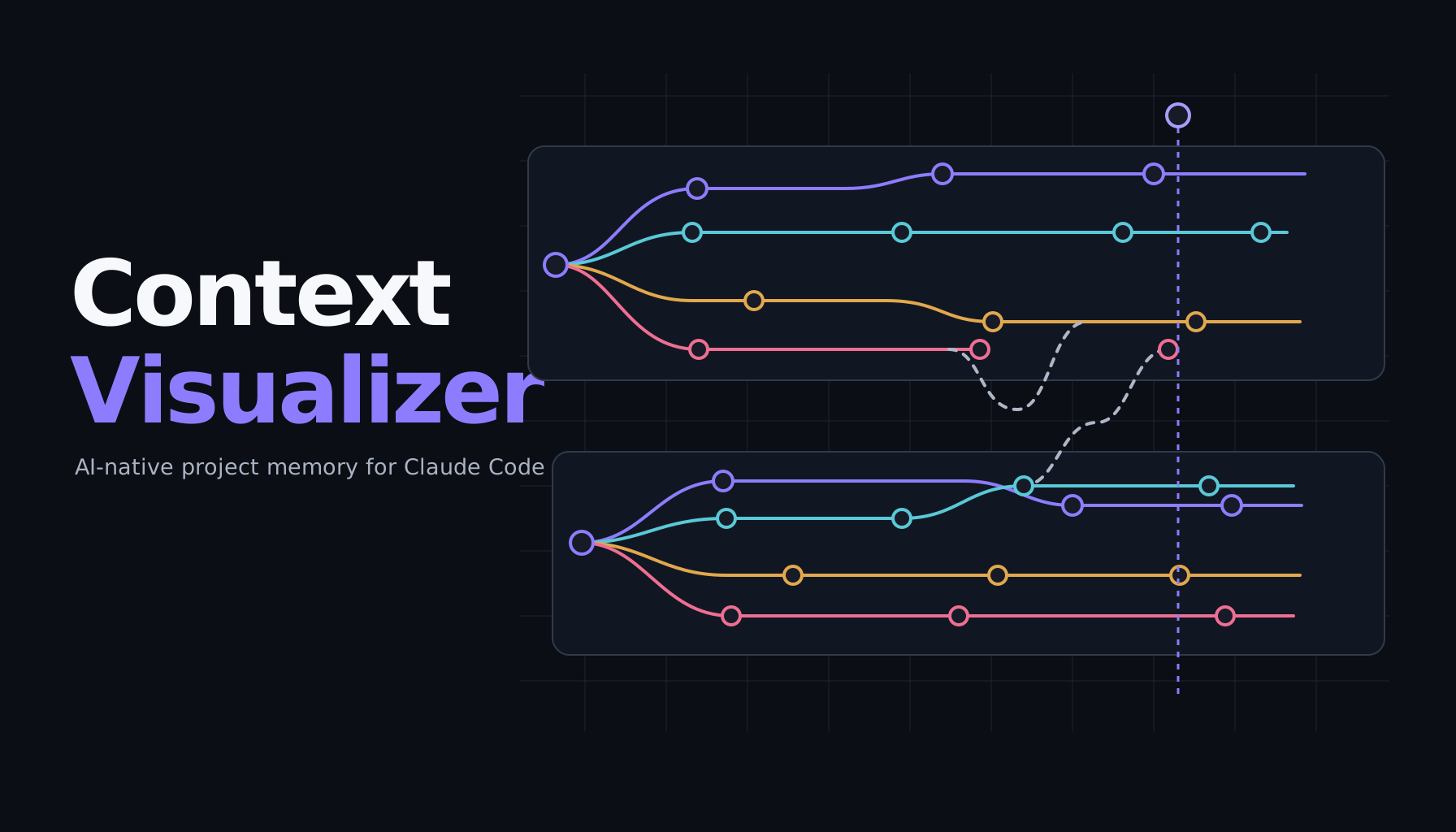
See what changed. See what stopped. Know what to do next. 看清变化、废弃与阻塞,直接知道下一步。
Everything stays linked to source 每个结论都能回到来源After a few days away, “scroll up” is not a recovery plan. Decisions are scattered, dead branches still look alive, handoffs disappear between agents, and the next step exists only in your head. 隔几天再回来时,“往上翻聊天”不是复工方案。决策散落在不同会话里,废弃分支看起来还活着,Agent 交接消失在窗口之间,而下一步只留在你的脑子里。
Context Visualizer rebuilds an inspectable project memory from the sessions you choose, then keeps every conclusion linked to source evidence. Context Visualizer 从你选择的会话中重建一份可检查的项目记忆,并让每个结论都能回到来源证据。
See the shape of the work at a glance, then drill back to the exact source when a decision matters. 先一眼看懂工作的形状,再在关键决策处回到精确原文核对。
Related events from different sessions and agents converge on a shared taxonomy instead of inheriting whichever label appeared first.来自不同会话和 Agent 的相关事件会收敛到统一分类,而不是沿用最先出现的临时标签。
Semantic distillation converts noisy conversation turns into typed project events so the current state is visible without rereading every message.语义蒸馏把嘈杂的对话回合转成有类型的项目事件,不必重读全部消息也能看到当前状态。
Imported turns are accounted for as extracted, merged, or explicitly skipped. The independent coverage gate rejects silent omissions.每个导入回合都会被记录为已提取、已合并或明确跳过;独立覆盖门禁会拒绝静默遗漏。
Milestones link back to their source session, line, timestamp, and excerpt. The summary remains a navigation layer, not a replacement for evidence.里程碑可回到来源会话、行号、时间戳与摘录。摘要只是导航层,不会替代原始证据。
The Windows companion watches selected local sources and incrementally extends the audited storyline as new turns arrive.Windows 桌面伴侣会监看你选择的本地来源,在新回合出现时增量扩展经过审计的 storyline。
Discovery is automatic. Import is always explicit: nothing becomes a canvas until you select it. 来源发现是自动的,但导入始终由你明确选择:未经选择的会话不会变成画布。
Pick one or more Claude Code or Codex sessions from the locally discovered catalog. Profiles are created only after your selection.从本地发现的目录中选择一个或多个 Claude Code / Codex 会话。只有选择后才会创建 Profile。
Add your own OpenRouter key and choose a model. The selected session content is processed by OpenRouter and the chosen model provider.填入你自己的 OpenRouter key 并选择模型。被选中的会话内容会由 OpenRouter 与所选模型提供商处理。
Scan the project shape, open any milestone, verify its source, and return to the work with a concrete next step.浏览项目形状,打开任意里程碑核对来源,然后带着明确下一步回到工作。
“Local-first” describes storage and control, not an impossible promise that no selected content ever leaves your device. “本地优先”描述的是存储与控制方式,而不是声称任何选中内容都绝不离开设备。
Raw Claude Code and Codex files remain in their original folders. You choose which sessions to process.原始 Claude Code 与 Codex 文件保留在原目录,你决定处理哪些会话。
When you start distillation, selected content is sent using your OpenRouter key to OpenRouter and the model provider you select.当你启动蒸馏时,选中内容会使用你的 OpenRouter key 发送到 OpenRouter 与你选择的模型提供商。
Structured events, the coverage ledger, provenance metadata, and app preferences are stored locally by the desktop app.结构化事件、覆盖账本、回溯元数据与应用偏好由桌面应用存储在本地。
Founding Beta is intentionally narrow: individual Windows users working with local Claude Code or Codex histories. Founding Beta 有意保持边界清晰:面向使用本地 Claude Code / Codex 历史的个人 Windows 用户。
Two honest ways to use Context Visualizer today—no invented Pro or Team plans. Try the workflow in your browser, then choose the Windows companion if it solves a recurring re-entry problem. 目前只有两种真实的使用方式,没有虚构的 Pro 或 Team 套餐。先在浏览器里验证工作流;如果它确实解决了反复复工的问题,再选择 Windows 桌面伴侣。
Production checkout is not yet open while merchant review is in progress. This page shows the complete USD $39 one-time price and product scope before checkout. When enabled, Creem will handle the transaction as Merchant of Record; applicable taxes may be added based on location. 商户审核期间,生产结账暂未开放。本页已在结账前完整公开 39 美元一次性价格与产品范围。开放后将由 Creem 作为 Merchant of Record 处理交易,并可能根据所在地加收适用税费。
This is an early release. The installer is not yet code-signed and Windows may show a reputation warning. Host session formats can change, large projects can take time and model budget, and semantic classifications can be incomplete or wrong.这是早期版本。安装包尚未进行代码签名,Windows 可能显示信誉警告。宿主会话格式可能变化;大型项目会消耗更多时间与模型预算;语义分类也可能不完整或出错。
Coverage means imported turns are accounted for; it does not mean the model’s interpretation is infallible. Verify important decisions against the linked source before acting.覆盖完整表示导入回合都被核对,不代表模型解释绝不会出错。采取行动前,请用链接回原文核对重要决策。
No. Local source files and generated project data stay on your device, but semantic distillation sends the selected session content to OpenRouter and the model provider you choose. An internet connection is required for those calls.不是。原始来源文件与生成的项目数据保留在设备上,但语义蒸馏会把你选择的会话内容发送到 OpenRouter 与所选模型提供商,因此模型调用需要联网。
No. Context Visualizer is BYOK. You pay OpenRouter or the selected provider separately, according to their pricing. Set a spending limit on your key before processing a large project.不包含。Context Visualizer 采用 BYOK;你需要按 OpenRouter 或所选提供商的定价另行付费。处理大型项目前,建议为 key 设置消费上限。
The production Creem checkout is awaiting merchant review and is not live yet. The interactive web tool is available now, and the public support issue tracker is the current channel for beta-access questions.生产 Creem 结账仍在等待商户审核,暂未开放。交互式网页版现在即可使用;关于 Beta 获取的问题可通过公开支持 Issue 提交。
Check the published Windows and BYOK requirements, then open a support issue without posting transcripts, API keys, or purchase details. Once sales begin, the Refund Policy explains the 14-day window for material defects or published incompatibilities.请先核对公开的 Windows 与 BYOK 要求,再提交支持 Issue;不要公开 transcript、API key 或购买信息。销售开始后,退款政策将说明针对重大缺陷或与公开兼容性不符情况的 14 天申请窗口。